NO FLASH. Never shoot with a flash. Anywhere. Ever.
01
Portrait Mode
Make it blurry.
Tap Portrait. Point at a person. The bridge goes dreamy behind them.
TAP PORTRAIT IN YOUR CAMERA
What it does
Blurs the background and keeps your subject razor sharp.
On the water
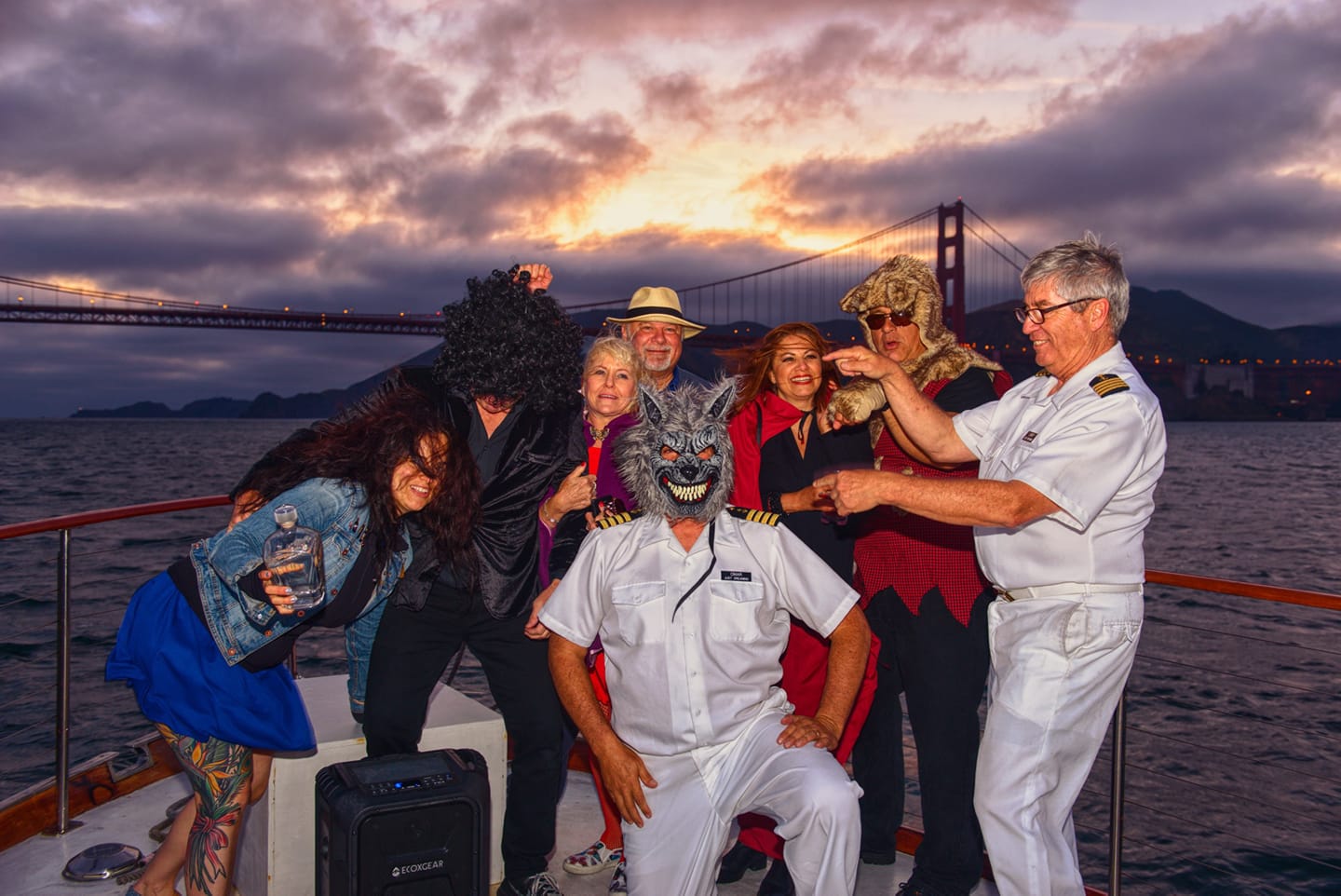
Perfect for candid shots of people on deck with the Golden Gate softly out of focus behind them. The bay becomes a painting. Your subject becomes the subject.
Pro tip
Stand at least 3 feet from your subject. The more water between person and bridge, the better the blur.
02
Exposure Lock
Lock it down.
Tap and hold the screen until it says LOCK. Now the camera stops freaking out about the light.
TAP AND HOLD THE SCREEN
What it does
Locks the focus and exposure so the camera stops adjusting automatically.
On the water
Bright water and dark subjects confuse every camera. Lock your exposure on a face or the railing and it stops fighting you.
Pro tip
If the sky is blowing out white, lock exposure on the brightest part of the sky first, then reframe your shot.
03
Night Mode
Shoot in the dark.
See the little moon icon? Tap it. Hold your breath. Don't move for 3 seconds.
TAP THE MOON. HOLD STILL.
What it does
Takes a longer exposure to capture detail in darkness without flash.
On the water
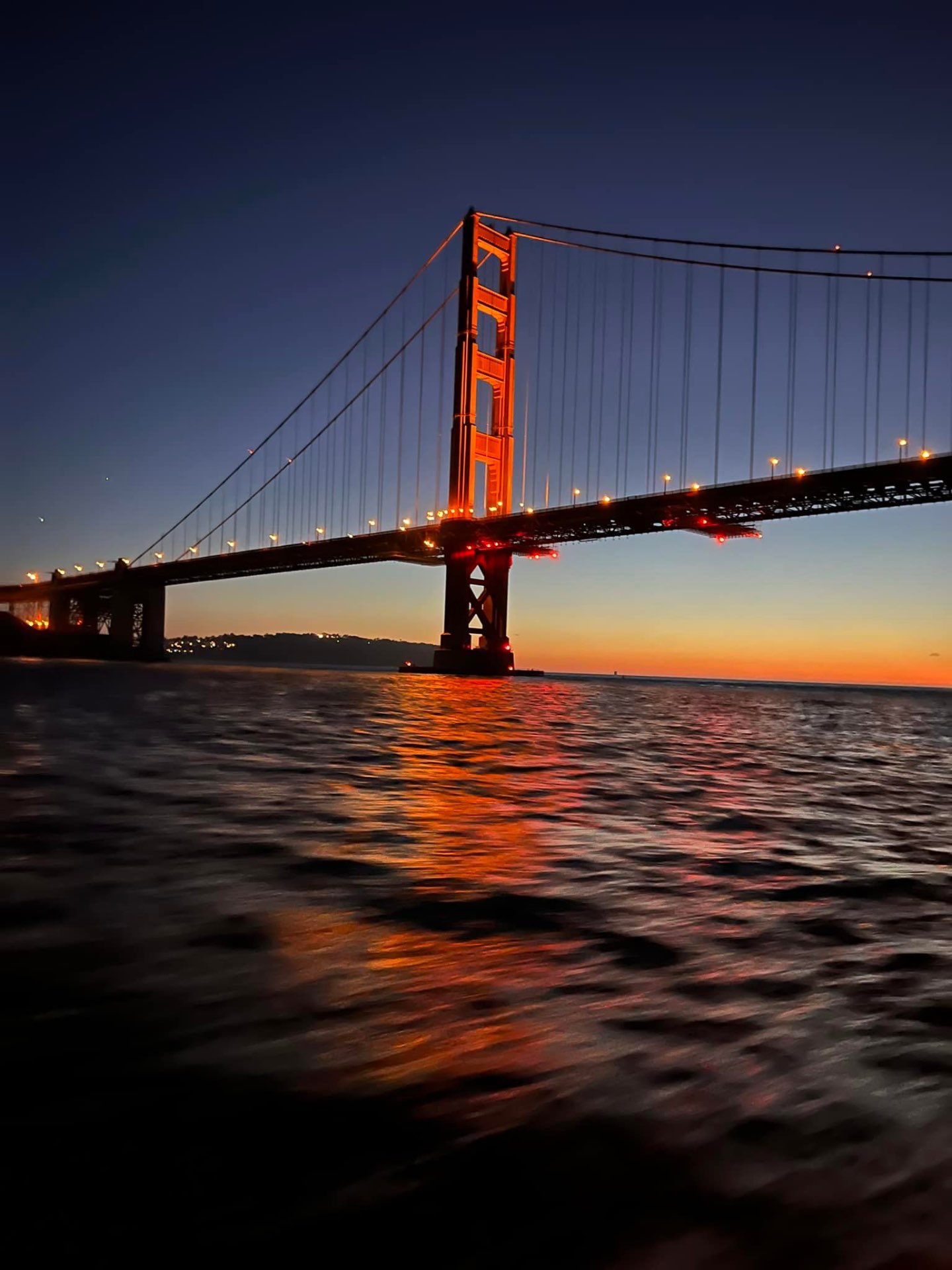
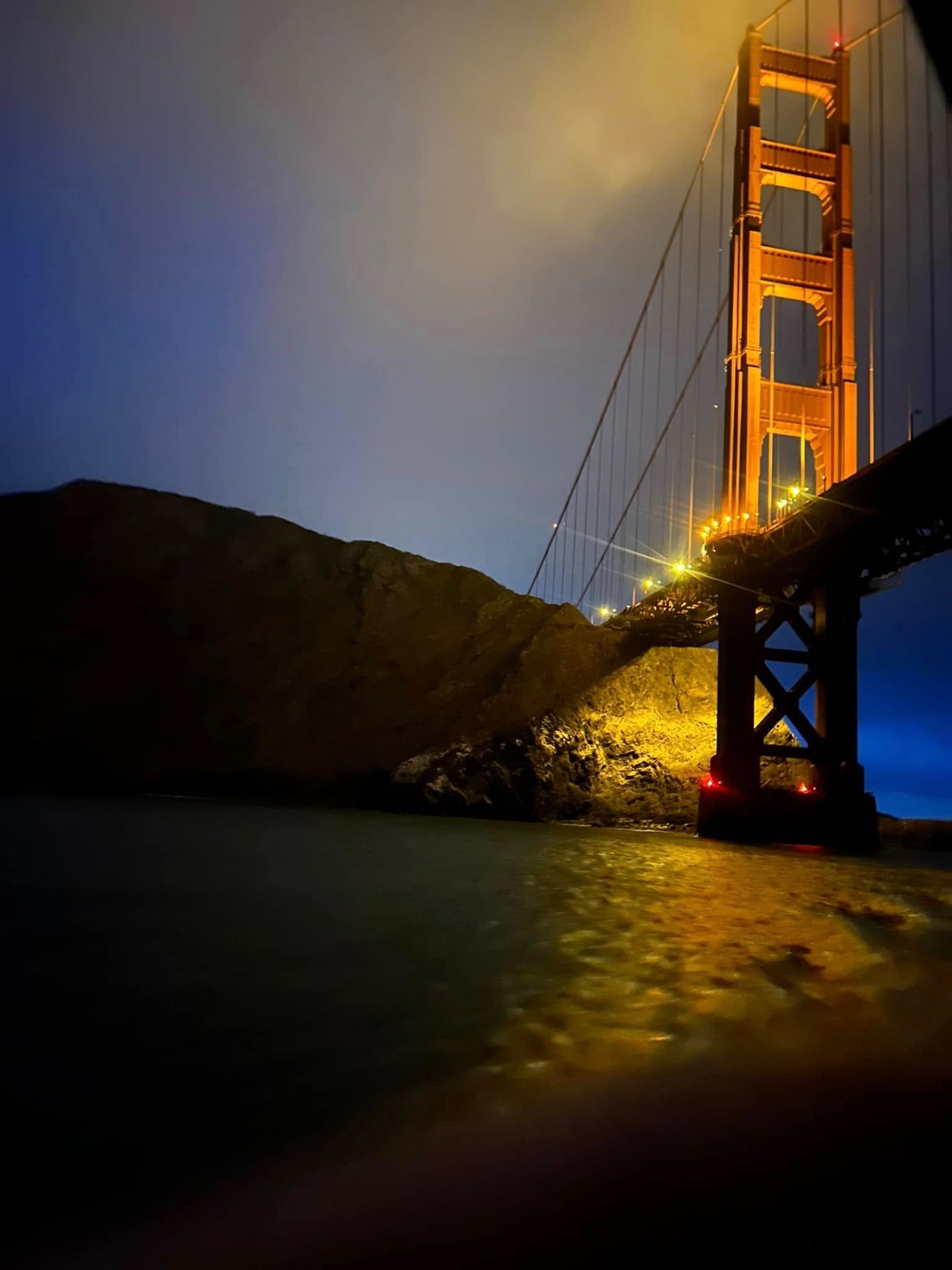
The Golden Gate at night. The SF skyline reflected in the bay. Night Mode turns a dark phone photo into something extraordinary.
Pro tip
Set Night Mode to 3 seconds maximum on a moving boat. Ask Captain Larry to slow down for your shot. He will.
04
Burst Mode
Catch the fast stuff.
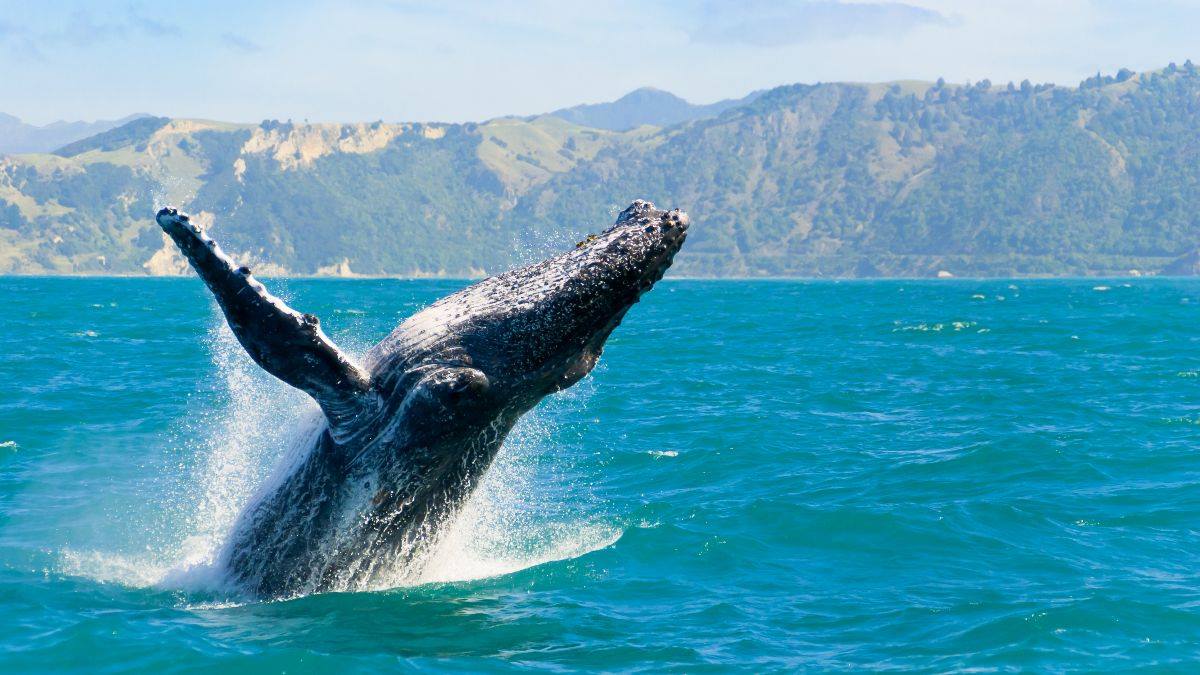
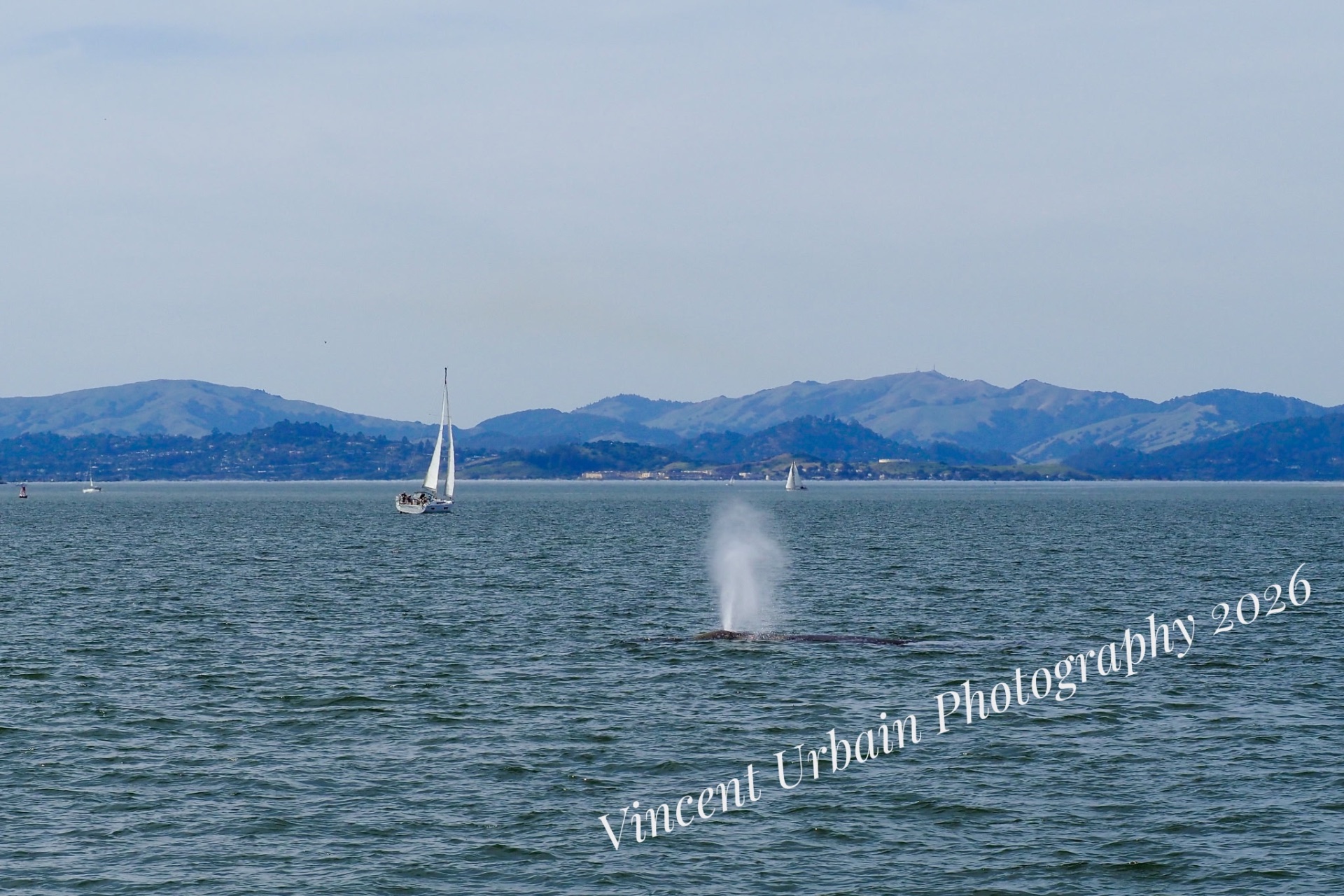
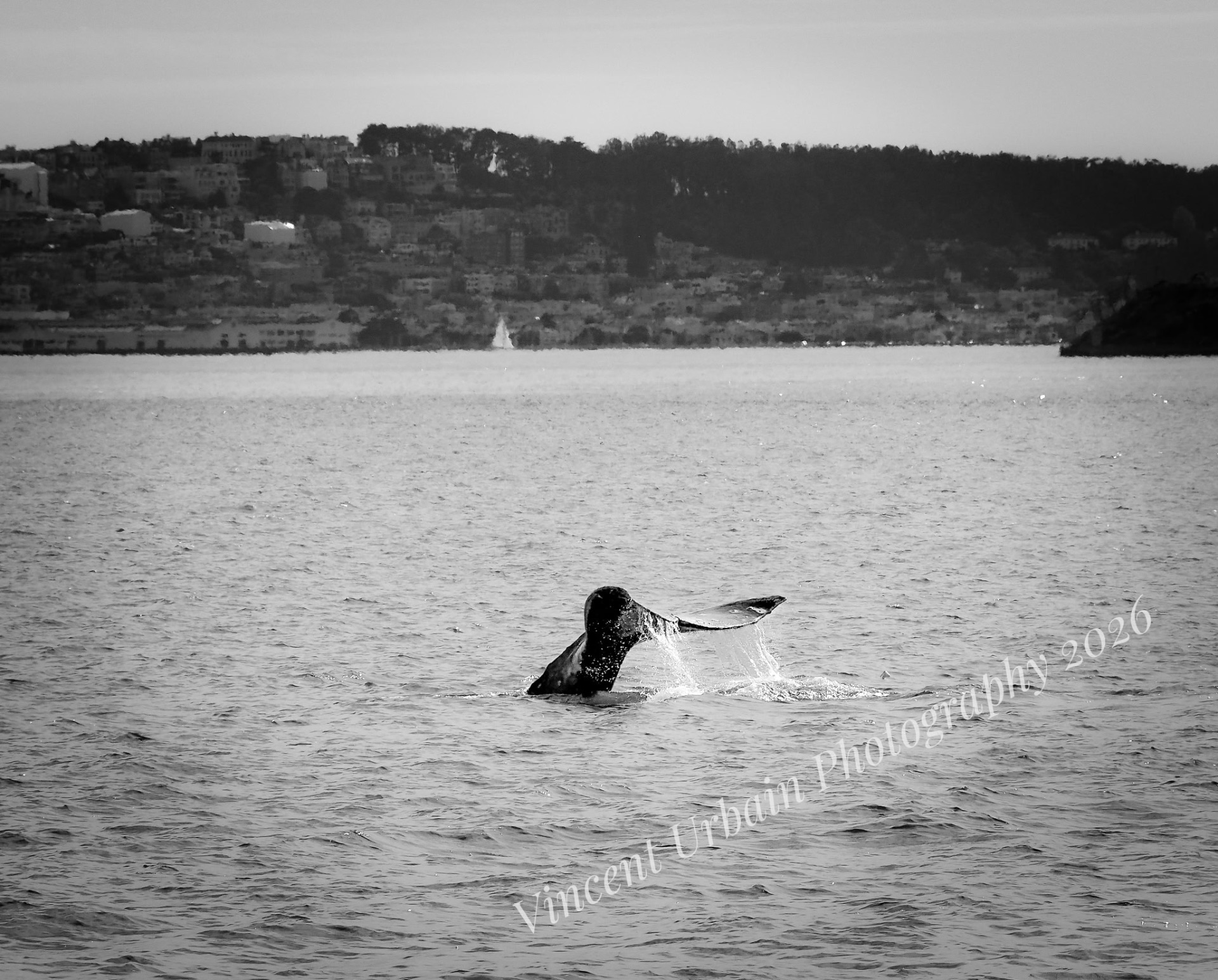
Hold the shutter button down and slide it left. Fires 10 shots a second. This is how you get the whale.
HOLD SHUTTER. SLIDE LEFT.
What it does
Takes 10 photos per second continuously.
On the water
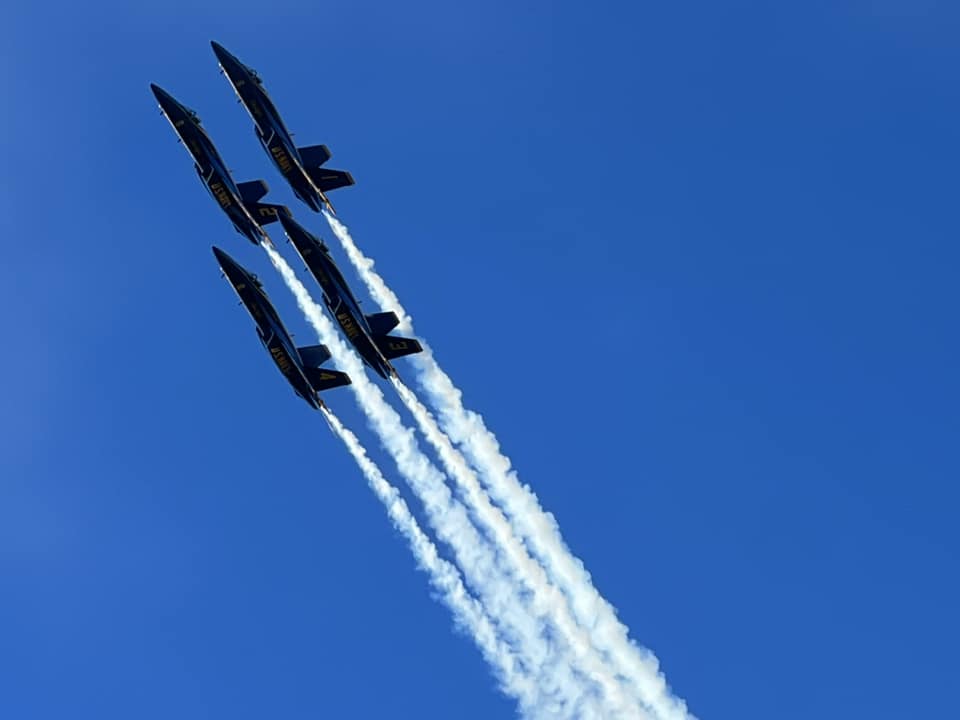
Fleet Week. Blue Angels. Wake spray. A whale tail. Any fast moving subject needs burst mode. You'll get one perfect frame out of thirty.
Pro tip
Pick your best frame in Photos by tapping Select at the bottom of the Live Photo. Delete the rest.
05
Ultra Wide
Get it all in.
Tap the 0.5 button. Now everything fits. The whole bridge. The whole deck. All of it.
TAP 0.5×
What it does
Switches to the ultra wide lens — twice the field of view of the standard lens.
On the water
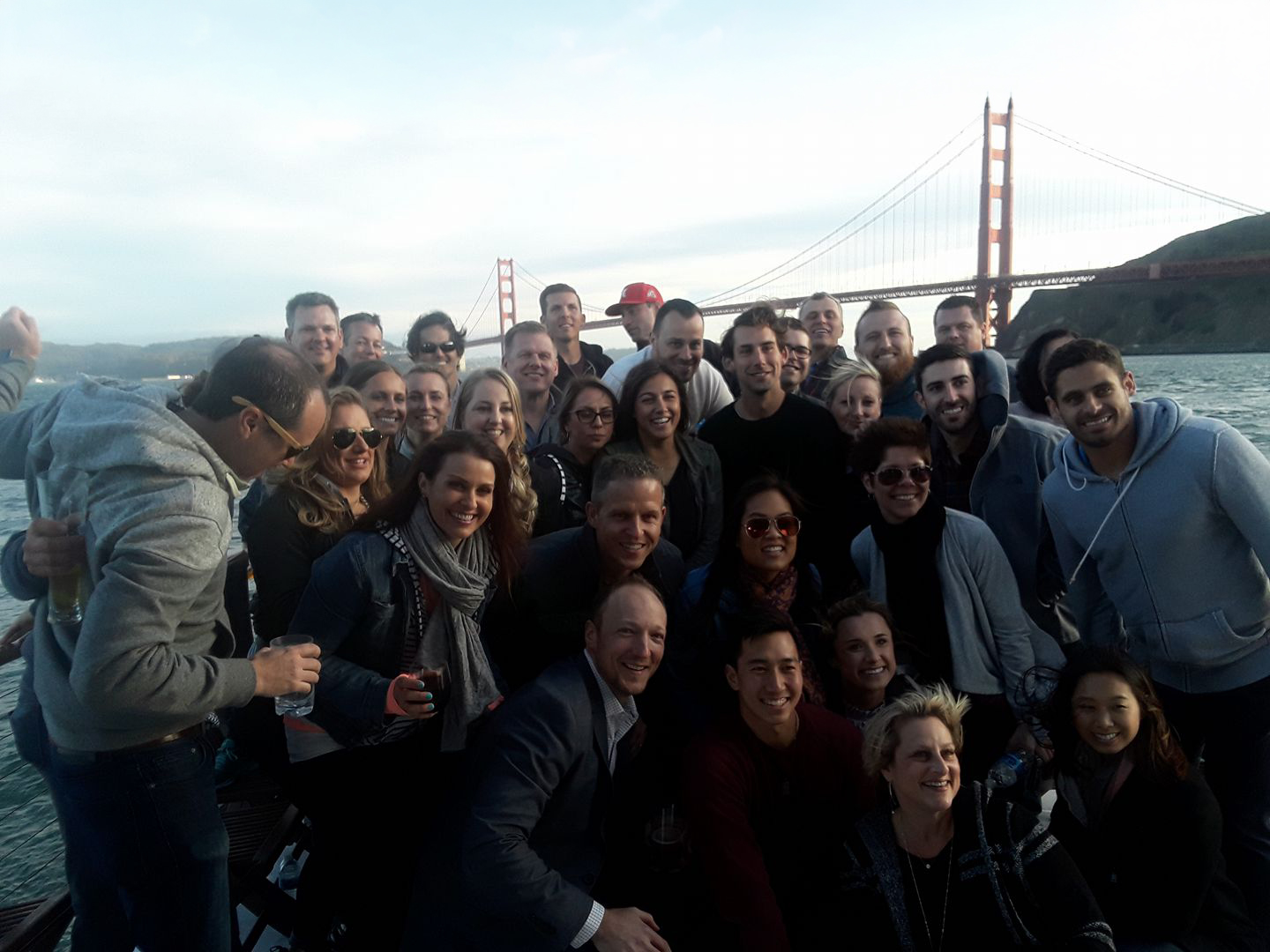
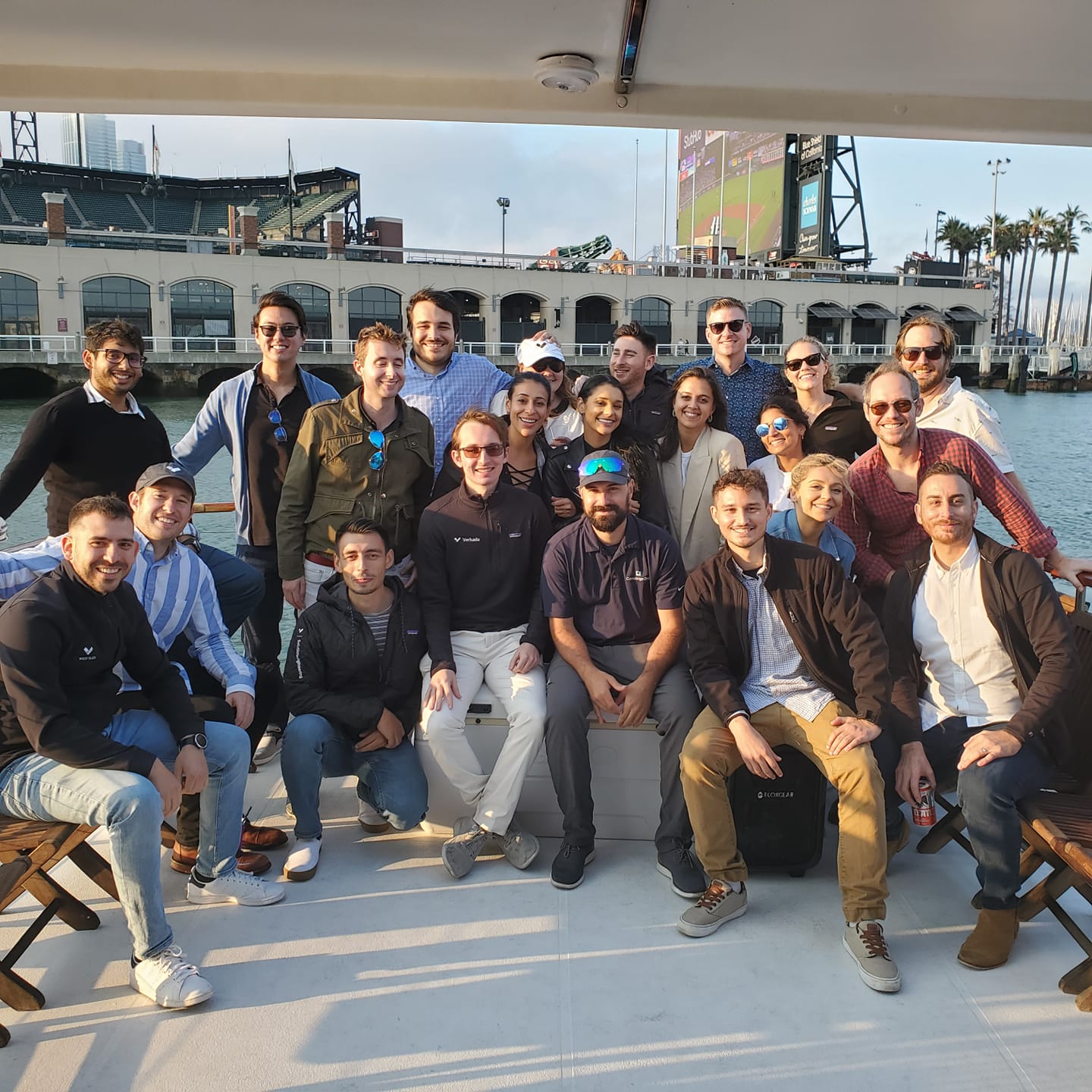
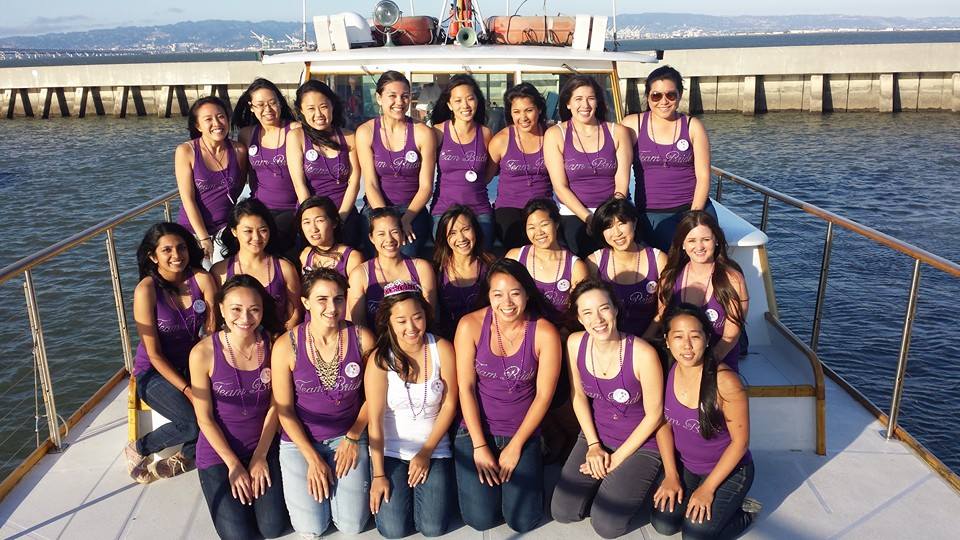
Shooting up at the Golden Gate from directly underneath. The full deck of Just Dreaming with everyone on it. Anything too big for the normal frame.
Pro tip
Get close to your subject. Ultra wide makes big things look monumental. A bridge tower 50 feet above you will look like it goes to space.
06
Panorama
The whole sweep.
Swipe to Pano. Start from the right. Move slow. Don't stop until you hit the Golden Gate.
SWIPE TO PANO. MOVE SLOW.
What it does
Sweeps across a wide scene and stitches it into one long image.
On the water
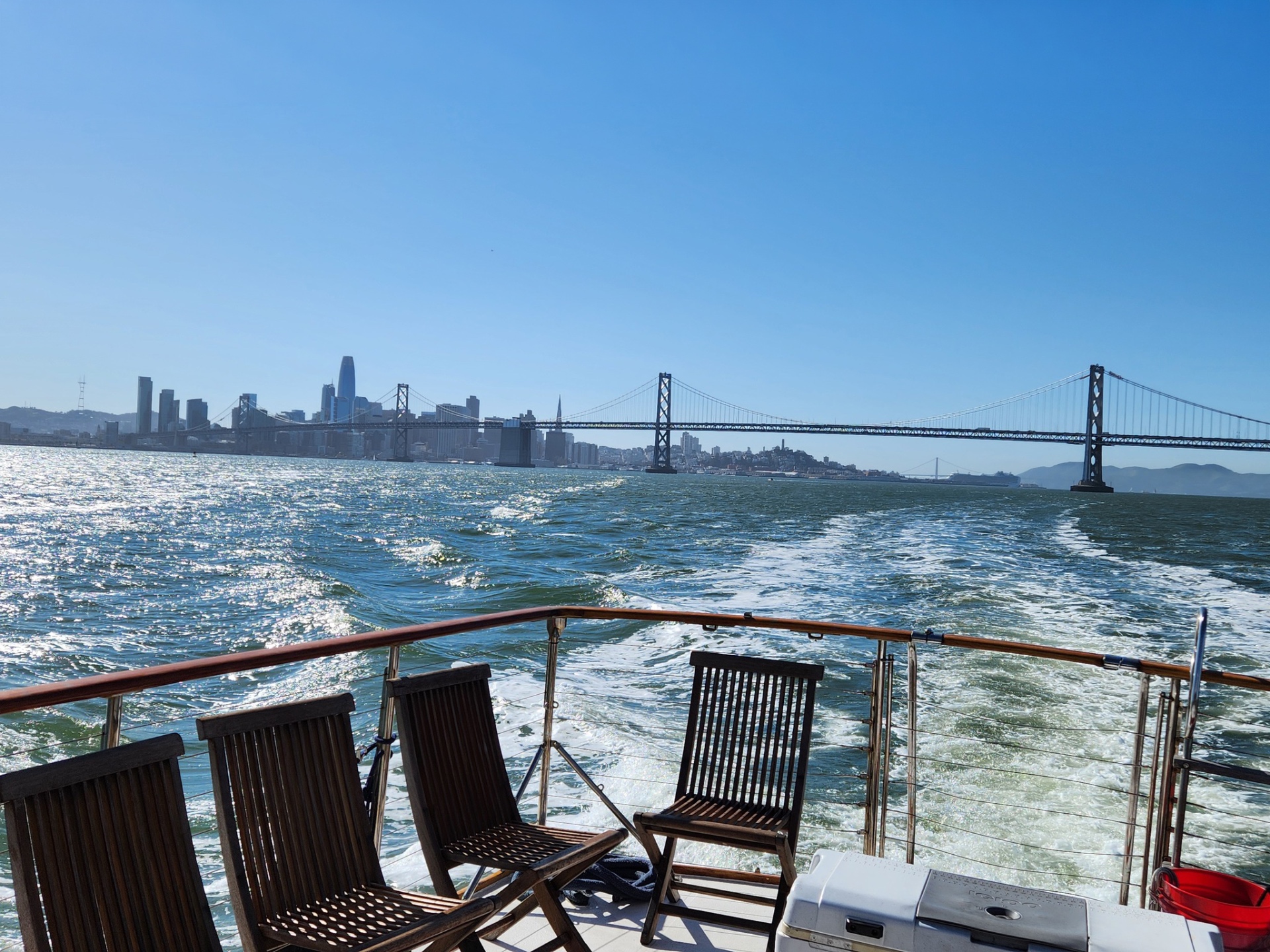
The full bay from the Bay Bridge to the Golden Gate is 7 miles wide. No single frame captures it. Panorama does.
Pro tip
Keep the arrow on the center line. Captain Larry can hold the boat steady for you. Just ask.
07
Live Photos
Grab the moment before.
See the circle at the top of your camera? Make sure it's yellow. Now every photo saves what happened right before you shot it.
TURN ON THE CIRCLE AT THE TOP
What it does
Captures 1.5 seconds of motion before and after every photo.
On the water
The wake spreading behind the boat. Champagne being poured. A whale tail disappearing. Live Photos captures the moment you almost missed.
Pro tip
Press and hold any Live Photo to watch it move. Share as a Loop or Bounce for Instagram.
08
Cinematic Mode
Make a movie.
Swipe to Cinematic. Press record. Walk around the deck. It looks like a film crew was on board.
SWIPE TO CINEMATIC. HIT RECORD.
What it does
Records video with automatic focus shifts between subjects — like a real movie camera.
On the water
Film someone seeing the Golden Gate for the first time. The camera shifts focus from their face to the bridge automatically. It looks incredible.
Pro tip
After recording, you can change where the focus shifts in the edit. Tap any face in the timeline to redirect it.
09
Shoot the Reflection
Get low. Really low.
Crouch down to railing height. Point at the water. The Golden Gate appears upside down. It's better than the real thing.
GET LOW. SHOOT THE WATER.
What it does
Uses the bay surface as a mirror to double the drama of every landmark.
On the water
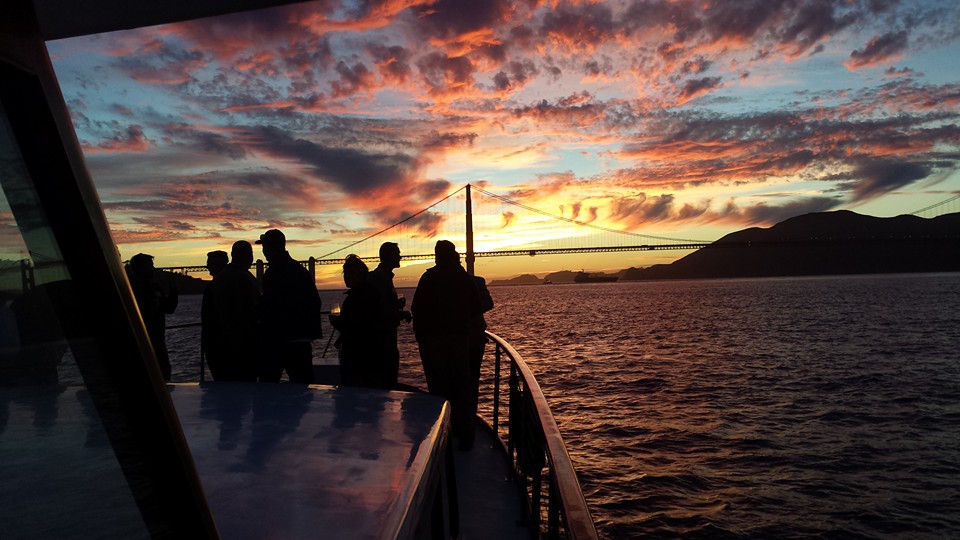
Early morning and late afternoon light turns the water gold. The reflection shot is consistently more dramatic than the straight shot.
Pro tip
The best reflection light is the hour after sunrise and the hour before sunset. Captain Larry knows exactly where to position the boat.
10
Ask Larry
Just ask him.
Captain Larry has been on this bay for 30 years. He knows every shot, every angle, every light. He's seen whales surface in the same spot for a decade. Just ask.
ASK CAPTAIN LARRY
What it does
Unlocks 30 years of San Francisco Bay knowledge that no camera setting can replace.
On the water
The spot where the Golden Gate reflection is perfect at 4pm. Where the Blue Angels bank hardest. Where the whales come up to breathe in January. He knows all of it.
Pro tip
This is the most important tip on the list. The best photographers use local knowledge. You have the best local knowledge on the bay standing 10 feet away in a white uniform.